

HOW TO ADD CONCERTS AND EVENTS TO YOUR SPOTIFY ARTIST PROFILE.
Adding concerts and events to your Spotify profile helps fans discover where you’re performing and buy tickets without leaving the app. For independent artists, this creates a seamless path from streaming to real-life connection.
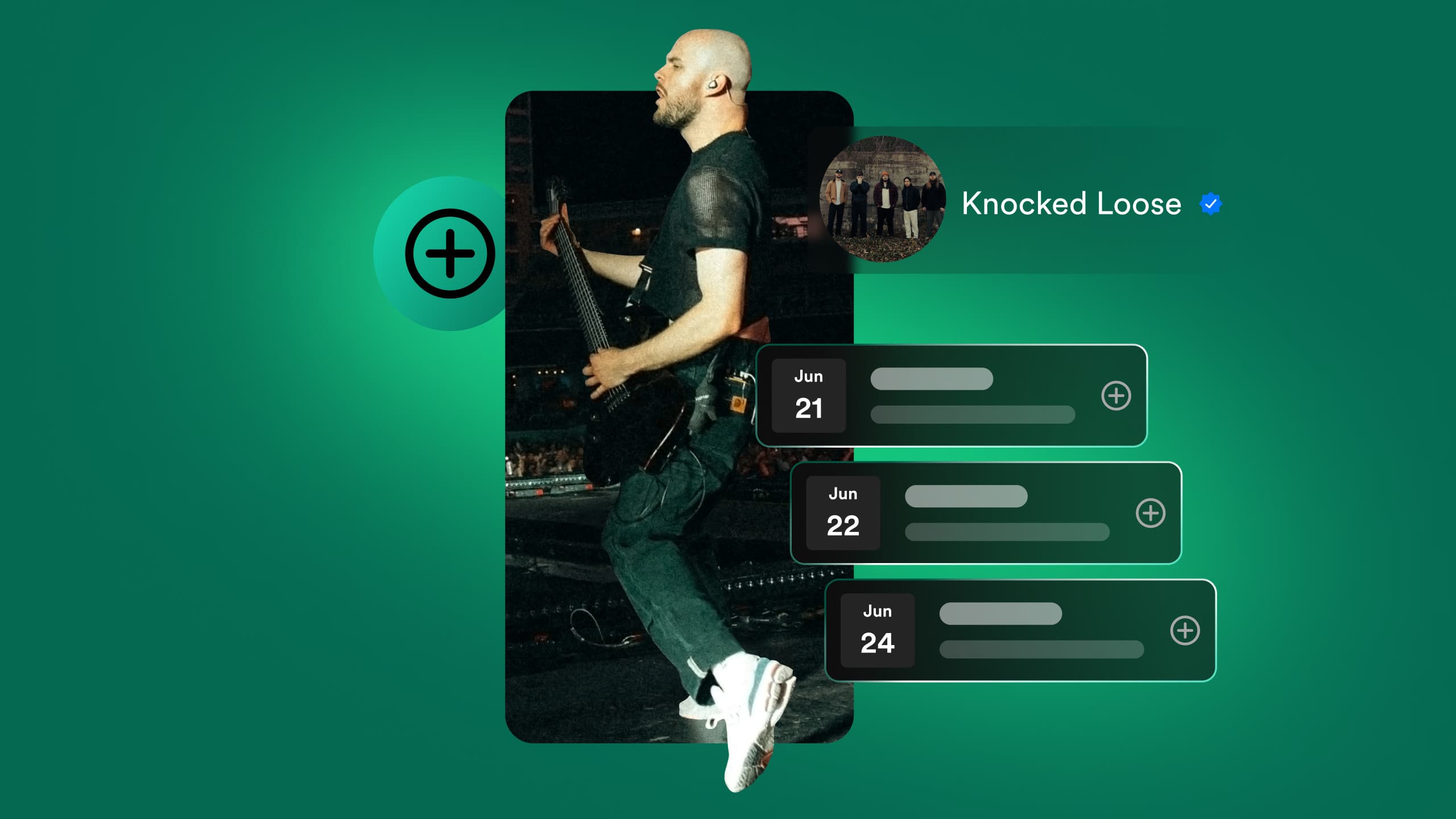
They're looking for more than just a quick listen, they're also seeking a connection, a sense of where you're performing next and how they can support you, when a fan lands on your Spotify artist profile. Coming hustling over to your profile, showing off your upcoming shows makes all of this a reality.
When your events sit right alongside your music, you’re giving your listeners a straight route to real-life experiences with you, and that emotional connection can be way more powerful than a stream. Spotify’s Live Events Feed lets you present the information in such a way that new listeners can discover dates, check out the venues, RSVP, and buy tickets all without leaving the platform and turning their curiosity into concrete action with virtually no resistance.
Well-known for being independent, the modern artist faces a fragmented digital landscape, with streaming stats in one place, ticketing data in another and social media activity in a third. Spotify’s Live Events Feed has a goal of bringing these disparate elements together into a single cohesive experience, where discovery leads to attendance. Optimising this part of your profile isn’t just about logistics, it's a critical component of your music marketing plan.
Understanding the Ecosystem
When adding events to your profile, Spotify doesn’t let you just manually enter tour dates from the Spotify for Artists dashboard. They work with a network of trusted ticketing partners to verify and synchronise the data, guaranteeing that the showtimes and venues shown to millions of users are correct, and won’t leave your fans disappointed.
Spotify aggregates data from a variety of major ticketing companies such as Ticketmaster, Eventbrite, AXS and DICE. For independent artists, however, free and artist-friendly solutions are often preferred and, specifically, Bandsintown for Artists and Songkick (via Tourbox) are frequently used, and feed in data automatically through API.
One of the real advantages of this connection is geolocation.
When a London-based listener hears your music, Spotify knows their location and shows them your London show in particular. Transforms your artist profile from a static page to a custom invitation engine. It's essentially acting as a go-between sending your tour dates not just to Spotify but to Shazam, Apple Maps and your own website through widgets, when using the bandsintown platform. Coming hurrying into the world of touring musicians, Bandsintown is now an essential part of the toolkit.
Step-by-Step: Syncing via Bandsintown
To get started, visit the Bandsintown website for artists and claim your profile. Verify your identity usually by linking your Facebook artist page or Twitter account to prove ownership.
- Once you’re in the dashboard, add a new event by clicking on “Add Event” and pick the venue name. Don't try to manually enter the address, instead select from the enormous database of venues to ensure it’s accurate and meets what Spotify expects.
- You must also make sure to add a valid ticket link, if the show is free, flag it as such.
- Once you’ve pressed publish, your event will go live on the Bandsintown ecosystem immediately, but it may take about 24 to 48 hours for it to get to Spotify.
Bandsintown's functionality also allows you to send “posts” to your trackers, and when announcing a tour you can send one of these posts through the site, immediately sending a notification to your most ardent fans and sending your popularity soaring.
Step-by-Step: Syncing via Songkick
Songkick is another tool that operates on the premise of sending tour dates to Spotify, although it comes with its own artist-facing interface, Tourbox. As both platforms offer almost the same functionality, a lot of artists choose to use one or the other.
However, using Songkick, you’ll first need to sign up for Tourbox, then claim your artist name.
It’ll probably be generated for you if you’re already a well-known artist with scrobbled data, so sign in and verify. It’s simple to import or add dates, and the robust API that Songkick employs explains why lots of venue websites now use it as their primary calendar.
When importing or creating events, you need to check if you’re the main attraction or supporting act. Spotify uses this data to determine the visibility of the event.
Driving Discovery and Sales
Once your events are synced, they show up under the “On Tour” section of your artist profile and not only display dates, but also make your tour a one-stop shop that’s easy to navigate for fans. Spotify uses its listening data to bring your dates to the people who are most likely to buy tickets, when announcing your upcoming shows. Coming running over off the heels of a fan listening to your music or following you, and announcing a show in their home city, means Spotify may add this information to their Release Radar email or slap a "Live Events" card on their homepage.
Well-known as organic marketing, this costs nothing but reaches the people who are desperate to get their hands on tickets.
Listeners can search for "Live Events" in the Spotify app, see a map and a list of all the upcoming gigs in their area. Syncing up your metadata through partners like Bandsintown lets your show appear in search results for anyone looking for live music in their city. Whether it's your specific music or any genre, which is basically guaranteed to increase your audience.
Artists who have lots of fans, get "Fans First" emails, which are automated and send out presale codes, and merch bundles to those people who are most into their music, and this system completely relies on the accuracy of the event data that you've fed into the system.
Virtual Events and Livestreams
Today, location isn’t the only way to perform, and Spotify knows this, they've made it possible to list virtual events. If you’re a bedroom artist, lo-fi producer or just want to connect with a global audience from the comfort of your home studio, this feature is the game-changer.
When listing a virtual event, you use the same partners, but select "Virtual Event" or "Livestream" instead of a physical venue, plug in the direct streaming link, and suddenly fans in Tokyo, Toronto, and any other place you never thought you’d tour can enjoy your live performance, and send money your way.
Best Practices for Conversion
You can put a lid on no-shows and optimise the visibility of your listings, but just announcing the date is the very first thing, and that's what gets you started.
- Curate Your Image: Importing a photo from your Bandsintown or Songkick profile is a must. The sharper the photo, the higher the click-through rate, and more trust it generates, when curating your artist image on Spotify.
- Bio Consistency: Coming rushing from a different platform, your tour dates sit right beneath the "About" section on mobile, and should be featured in your Spotify bio. It's not uncommon for artists to mention that they're currently on tour and a simple call to action like "Check out our upcoming dates" can send your engagement skyrocketing.
- Fix Broken Links: Well-known as one of the number one reasons for lost sales is a broken link. Verify that the "Get Tickets" button on your Spotify profile goes through to a live purchase page, and not to a coming soon placeholder or a generic venue homepage.
- Transparent Pricing: When you're putting up ticket prices, see if you can get your ticketing partner to send pricing to Spotify. The probability of fans clicking "Buy" is much higher if they know the price will fit their budget.
Merch Integration
Now, in the Spotify ecosystem there's also Shopify, if you're on tour, you're likely flogging merchandise, and Spotify lets you pin your items directly to your artist profile. Make sure you coordinate your merchandise drops with your tour dates, too, and a tour T-shirt or vinyl right above the dates can add an average of $20 to revenue per fan, and gives a very slick, seamless shopping experience.
Troubleshooting Sync Issues
Troubleshooting issues, like why your concert isn’t showing up on your Spotify profile, is usually due to the fact that the sync is not instantaneous. The API takes anything from 24 to 48 hours to refresh and could be the reason why your new concert didn’t show up. If that’s the case, don't worry, give it a few more days, but sometimes you may need to check if the venue is actually in the partner database.
They sometimes duplicate them, when aggregators create artist profiles. For example, “The Band” and “The Band UK” can be two separate profiles. Double-check that the birth and death dates are connected to the artist ID that’s linked to your Spotify account, to avoid confusion.
In some cases the link between the partner and Spotify can break. Reconnecting can be done through the Spotify for Artists settings or the partner’s platform dashboard.
The Strategic Loop
Live events can be a game-cherger for independent artists, they are literally the lifeblood of their careers and getting noticed can have a massive impact on attendance. Coming hustling over into a place where people already enjoy your music is basically free advertising that doesn’t require a penny out of your pocket.
Well-known reciprocal relationship exists between live performances and growing streams. People who attend a fantastic show are much more likely to listen to your back catalogue the very next day to relive the experience, and if listeners stream your music over and over again, the algorithm starts sending them notifications about your upcoming shows.
Your gigs go straight to the people who are actively listening, and that makes them feel even more connected to you, whether they’ve been with you for years, or just stumbled upon you. Combining this with thoughtful marketing elsewhere gives results that multiply very quickly, and creates a sort of self-perpetuating cycle. More accurate data leads to better targeting, which leads to higher ticket sales, and in turn generates more streams.
Adding your events and shows to your Spotify artist profile is an incredibly simple thing to do, and is one of the best ways to bond with your fans.
With the help of platforms like Bandsintown or Songkick, your performances will naturally become part of your online presence, and reach people who genuinely care about your music.
What's Indiestar?
Indiestar is a music promotion toolkit built for independent artists who want a clearer, more effective path to growing their audience. With free playlist submissions, built-in promotional tools, and a framework designed to help artists plan smarter releases, Indiestar empowers musicians to improve the way they promote their music and connect with real listeners. Our curated playlists, targeted listener reach, and artist-focused workflow make it easier to run campaigns that feel both strategic and authentic. Indiestar gives artists the structure they need to grow while staying fully independent.
For more information contact:
suport@indiestar.io or via live chat widget